
Launch Ella on Shopify
Learn how to seamlessly launch Skipify's e-commerce agent on your Shopify store
PrerequisitesPlease reach out to your implementation engineer for a Skipify merchant account and the Shopify
installation link.
Installation
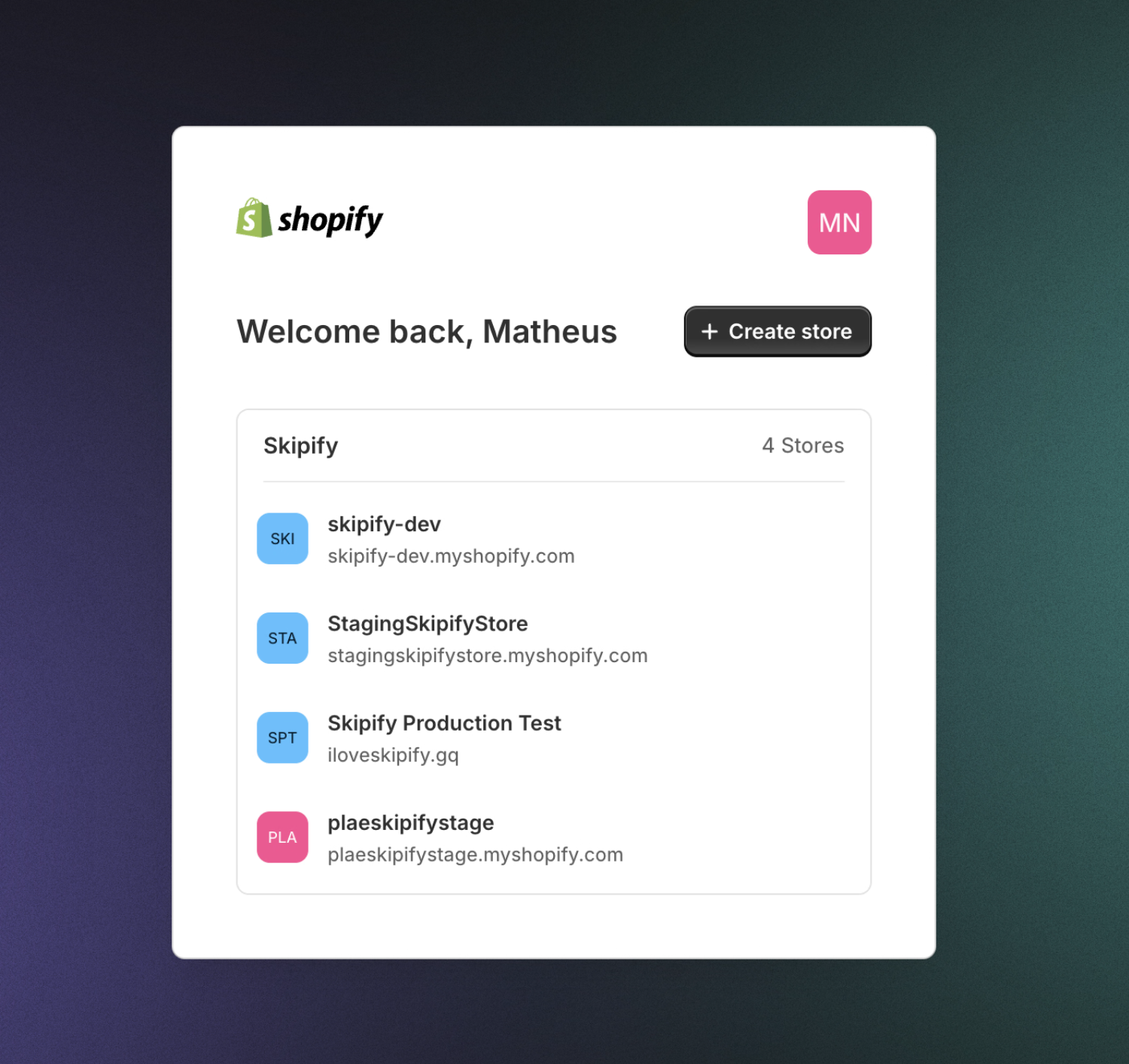
Open the installation link which initiates the Ella installation process with Shopify. Follow the prompts to select the target Shopify store.
Review scope
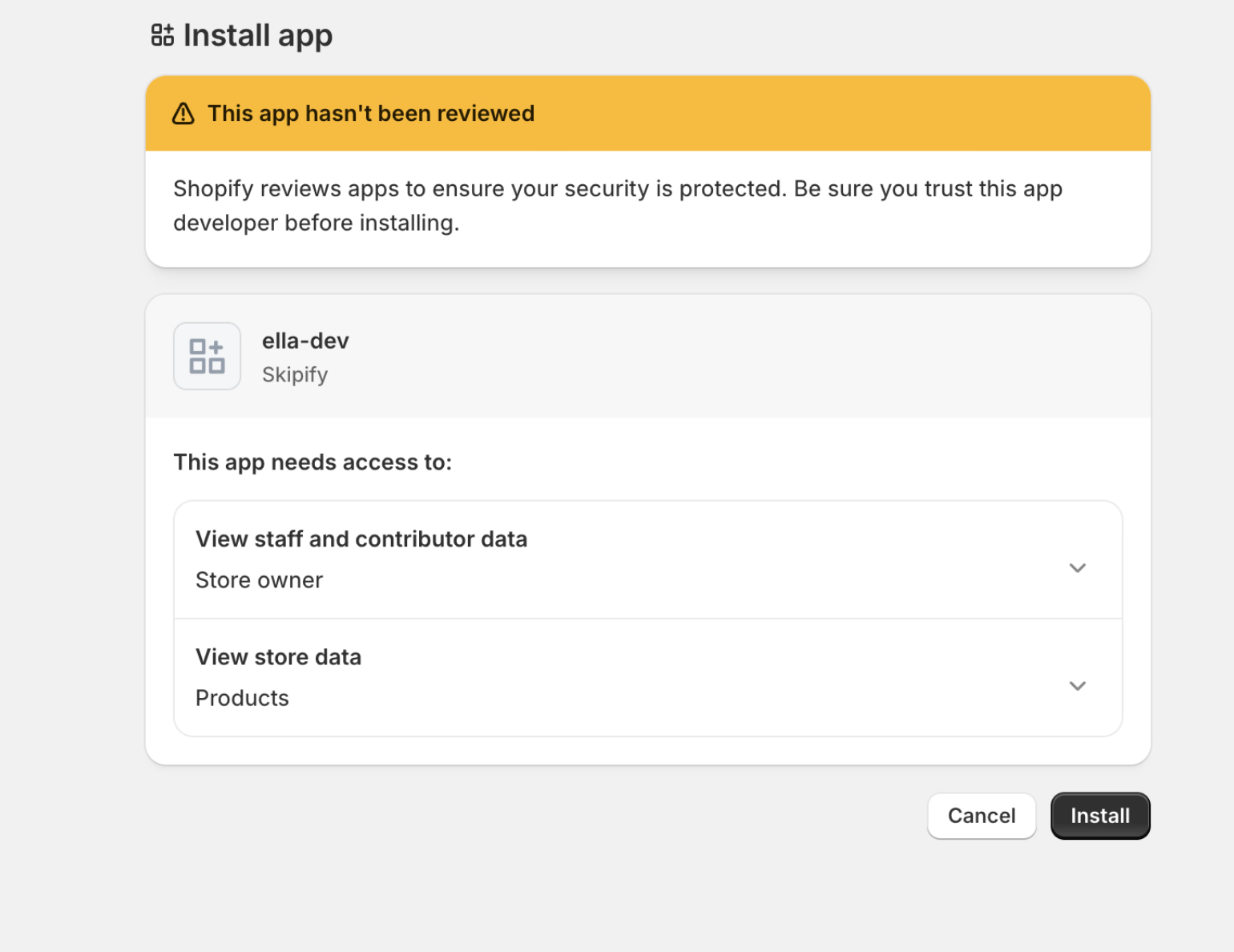
Shopify displays the permissions scope that the Ella application is requesting before anything is granted. Confirm the permissions are limited to reading products and inventory, then click Install.
Confirm installation
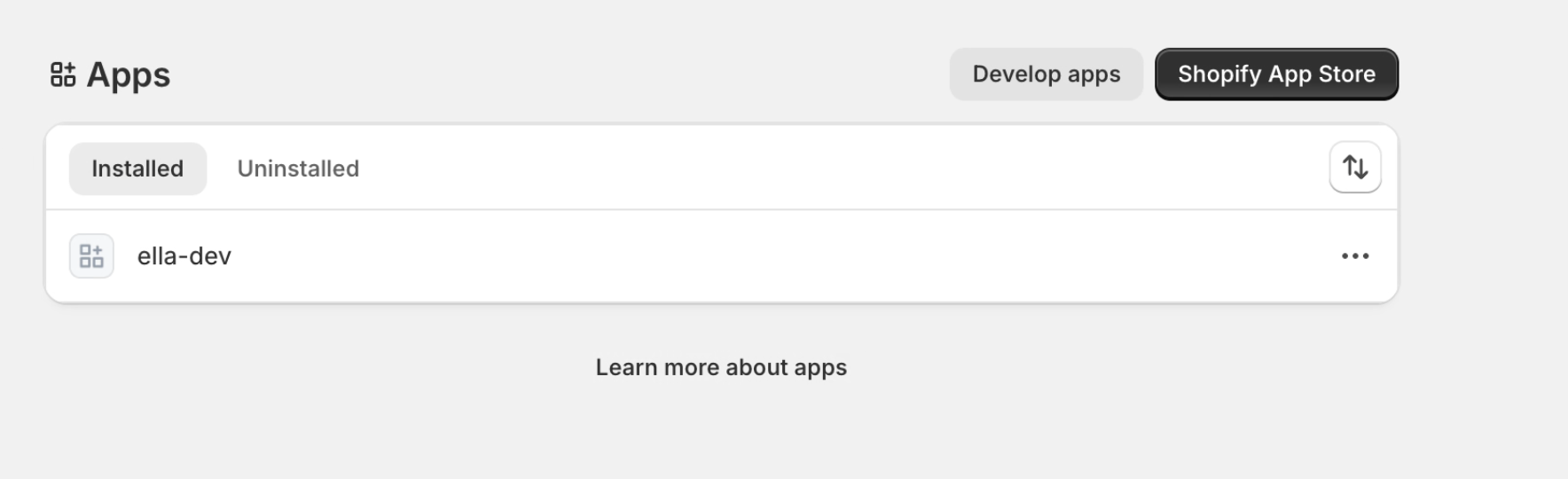
After installing, the Ella application appears in the store's list of installed apps.
Enable the storefront experience
The installation process connects the store, however the storefront Ella SDK is delivered through the app's theme app extension, which is toggled on per store.
In the store admin, go to Online Store > Themes > Customize > App embeds, turn on the Skipify embed, and save.
Configuration next steps
Continue here to learn how to finalize configuring your agent within Ella's Agent Hub.
Updated 2 months ago