
Merchant Configs
Learn how to connect your agent to your brand and site information, and enable credit access for shoppers.
Your agent is powered by Retrieval-Augmented Generation (RAG), an architecture that ensures every response is grounded exclusively in your verified product catalog.
When a shopper asks a question, your agent does not rely on general knowledge. Instead, the system performs a real-time retrieval of your specific product data, injecting that context into the prompt before generating a response. This creates a "restricted knowledge domain," effectively preventing the agent from hallucinating products, misstating pricing, or suggesting competitor items.
Knowledge Base
We recommend connecting your knowledge base to ensure your agent provides responses that are not only accurate but also consistent with your brand voice and internal policies.
Unlike your product catalog which provides real-time transactional data, your knowledge base serves as the "context layer" for Ella. It contains the unstructured information that helps the agent answer subjective questions, such as shipping policies, return processes, warranty details, and brand FAQs.
Best PracticesAvoid "garbage in, garbage out" - your agent is only as helpful as the content you provide. Ensure your documents are current, free of contradictions, and written clearly. We recommend periodically auditing your uploaded files to remove outdated policies.
Ground Ella in your knowledge base by uploading or connecting the below sources.
Policies & FAQs uploads
Return policy: window, conditions and refund processShipping & delivery: rates, carriers and delivery timelinesFAQs(optional): common questions not covered by your help centerFinancing & promotions(optional): payment plans, sales and offer terms
Help Center URL: your agent will automatically "crawl" and index these pages, keeping the references current as you update your site.
Restricted Topics configures topics that the agent must refuse or escalate
Product Catalog
Automatically synced from onboarding and updated ongoing. Manage and view your product catalog connection syncs.
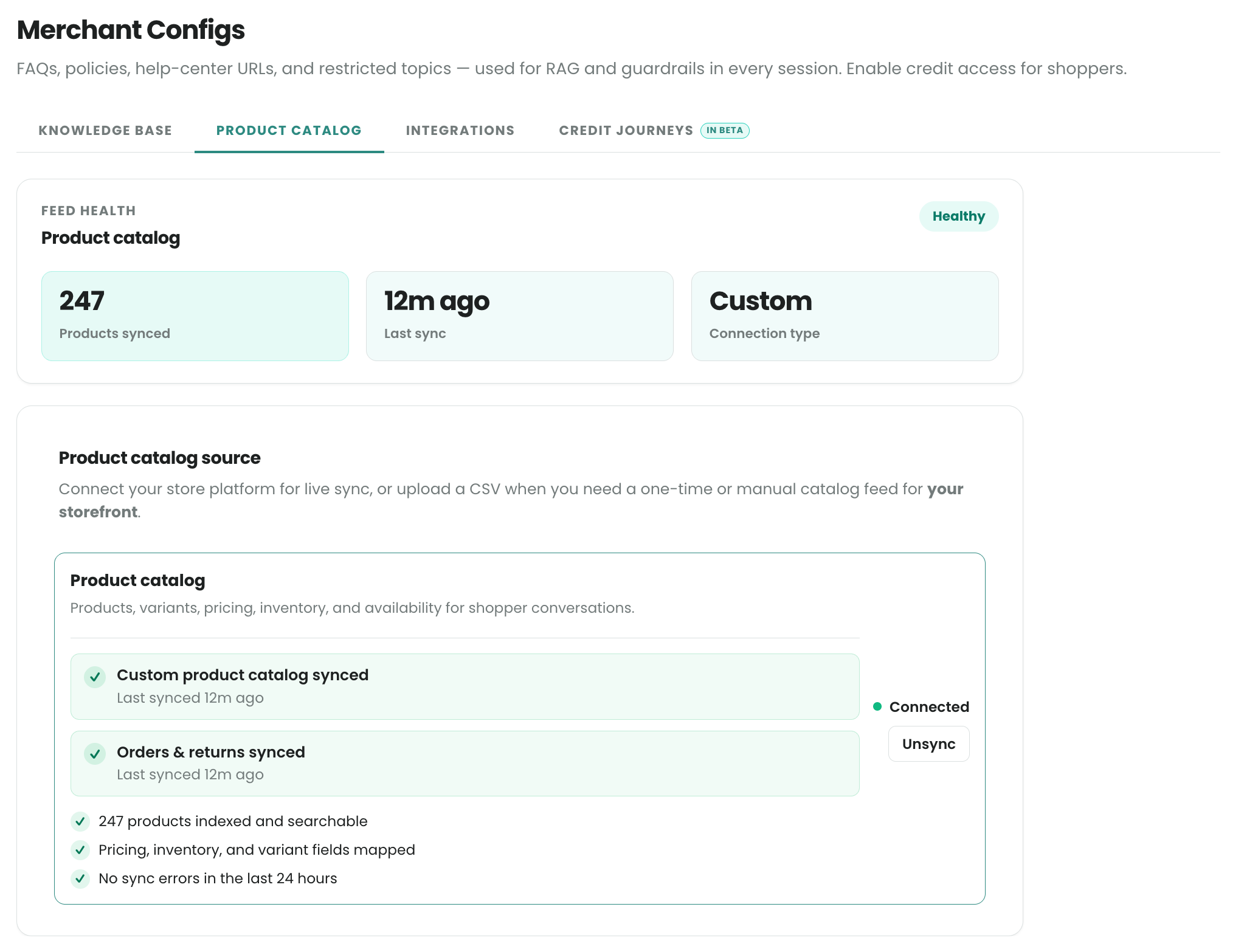
Integrations
Manage your systems connection to extend the range of the agent's capabilities and knowledge:
Connect Ecomm platform: enables products, pricing, inventory, and storefront data sync into the agent.Connect order mangement system (OMS): enables order tracking and post order supportConnect support platform: enables integrated support handoff
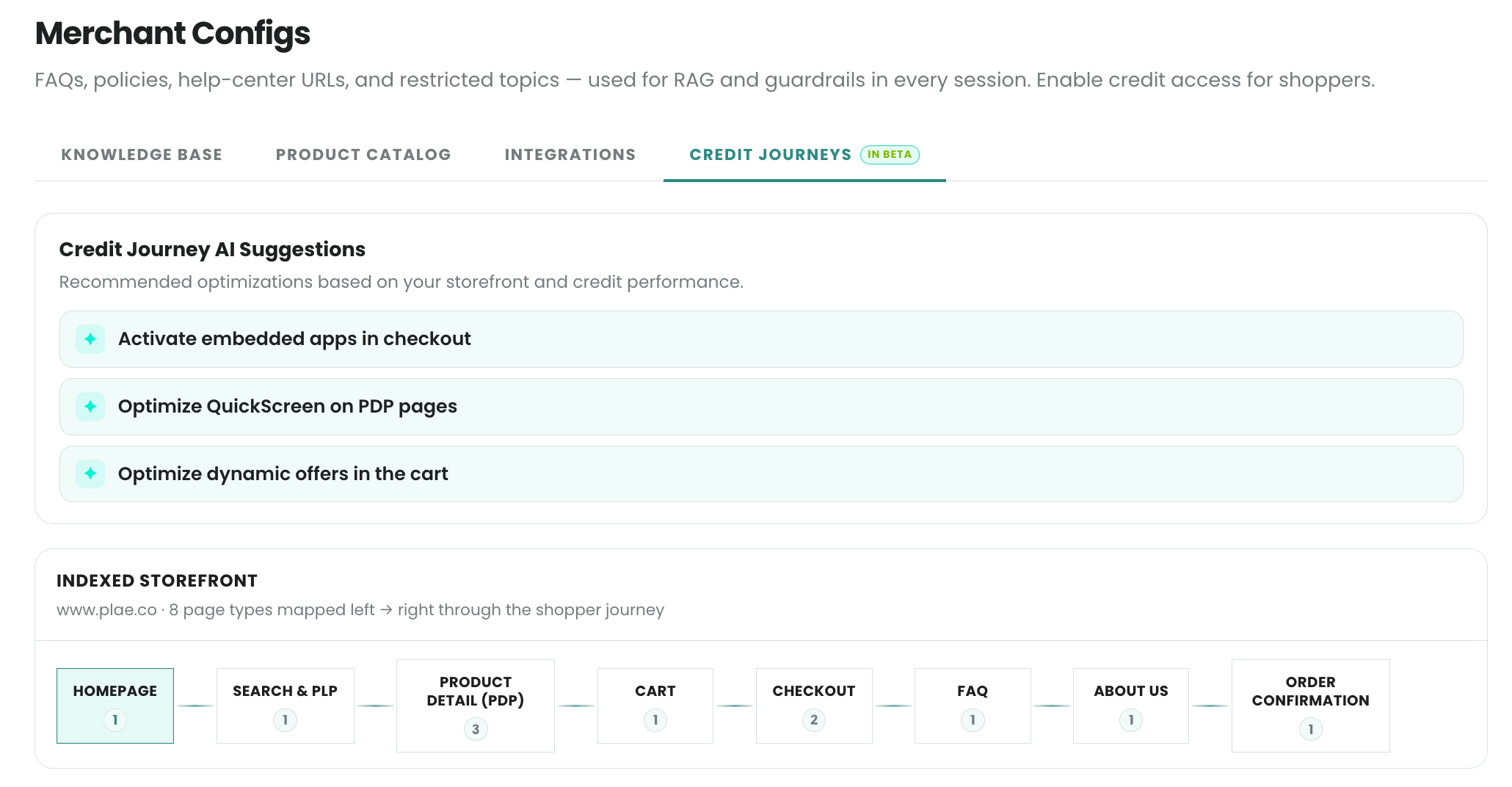
Credit Journeys
Turn on seamless in-experience credit applications and configure presentation styles.
Updated 2 months ago