
Launch Ella on BigCommerce
Learn how to seamlessly launch Skipify's e-commerce agent on your BigCommerce store
PrerequisitesIf you will be leveraging Skipify Checkout, complete the initial steps here before installing the App.
Installation
Install the Skipify App from your BigCommerce Dashboard
-
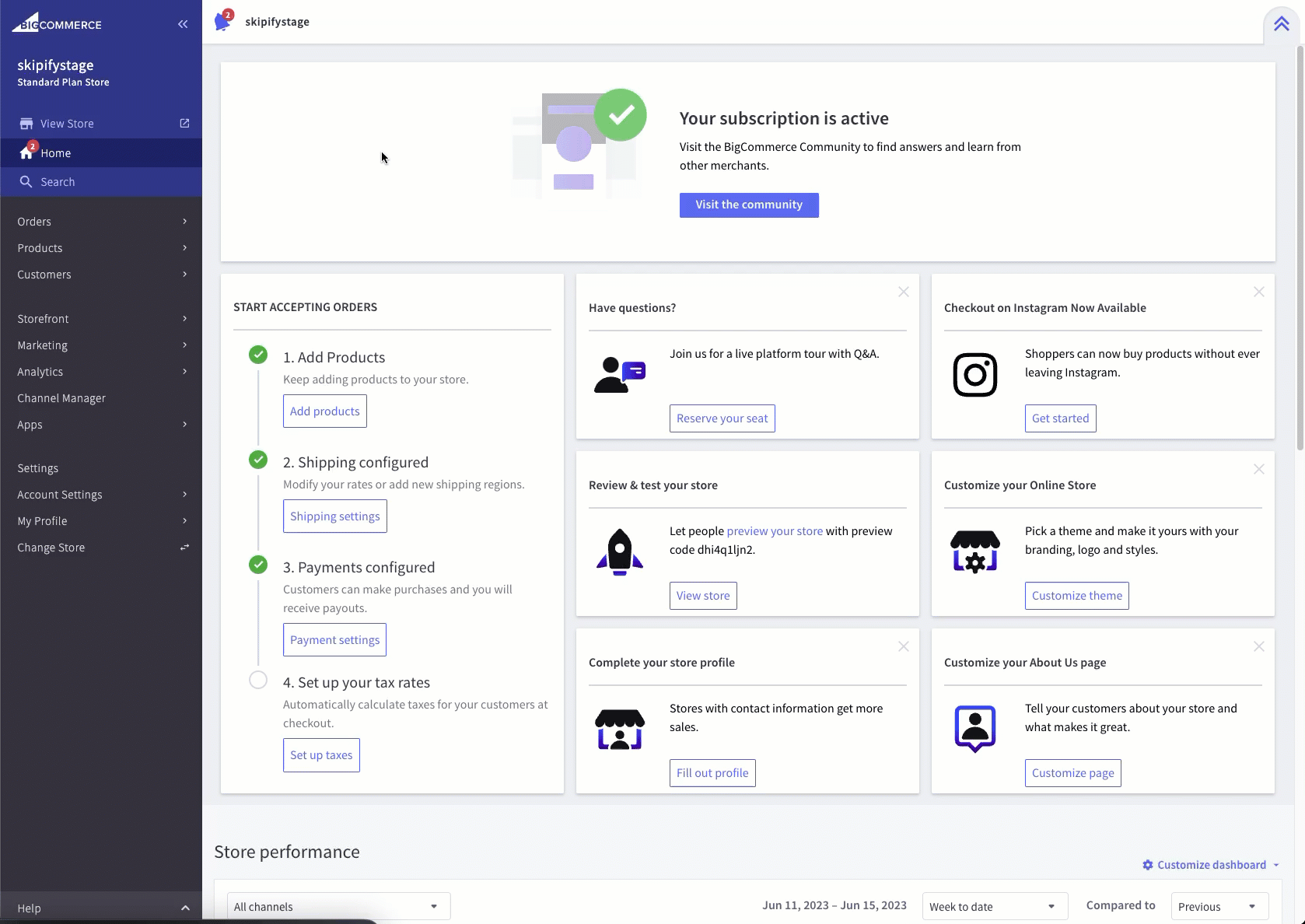
In your BigCommerce dashboard, click on Apps > Marketplace then click the blue BIGCOMMERCE.COM/APPS button
-
Type Skipify into the search bar and click on the tile
-
Click the GET THIS APP button
-
Log in to your existing store and follow the prompts to complete the installation
Let us Know that You're Ready to Go!
Once you've completed the steps above, please reach out to your favorite Skipify Implementation Manager, or email us at [email protected]. Our dedicated team will complete additional configuration on our end, and make sure you're good to create and configure your Agent.
Configuration next steps
Continue here to learn how to finalize configuring your agent within Ella's Agent Hub.
Updated 2 months ago